Alphabet Coloring Pages
Our Alphabet Coloring Pages are designed to help children learn their ABCs in a fun and engaging way. Each page features a different letter along with images that start with that letter, perfect for coloring and reinforcing letter recognition.

Introduce your child to the alphabet with our delightful Alphabet Coloring Pages. Each page is dedicated to a specific letter and includes corresponding images to color, such as ‘A’ with an apple and ‘B’ with a butterfly. These coloring pages are an excellent tool for preschool and kindergarten learners, helping them develop fine motor skills, letter recognition, and a love for learning.
Materials
- Printed Alphabet Coloring Pages
- Crayons, markers, or colored pencils

The Printable
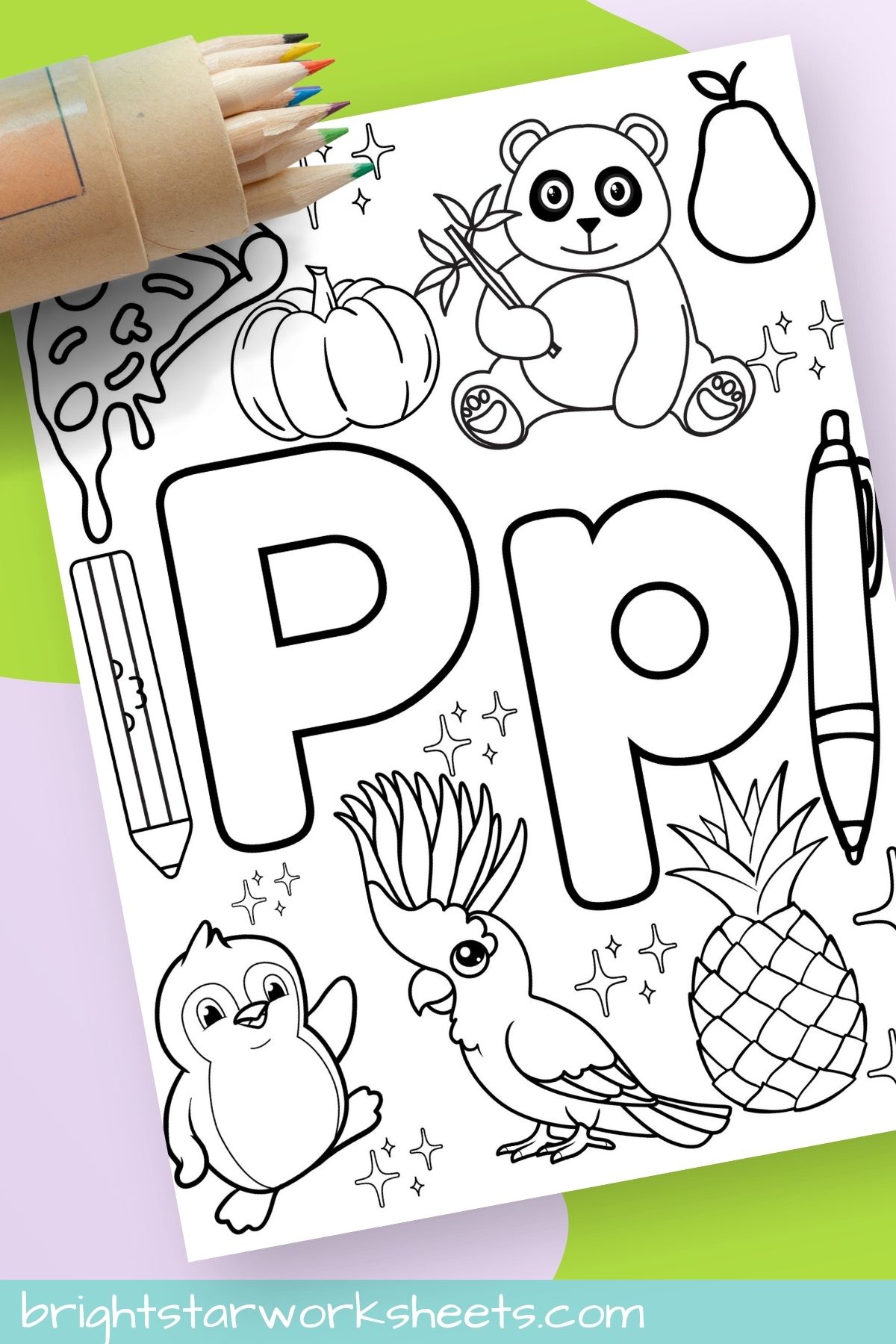
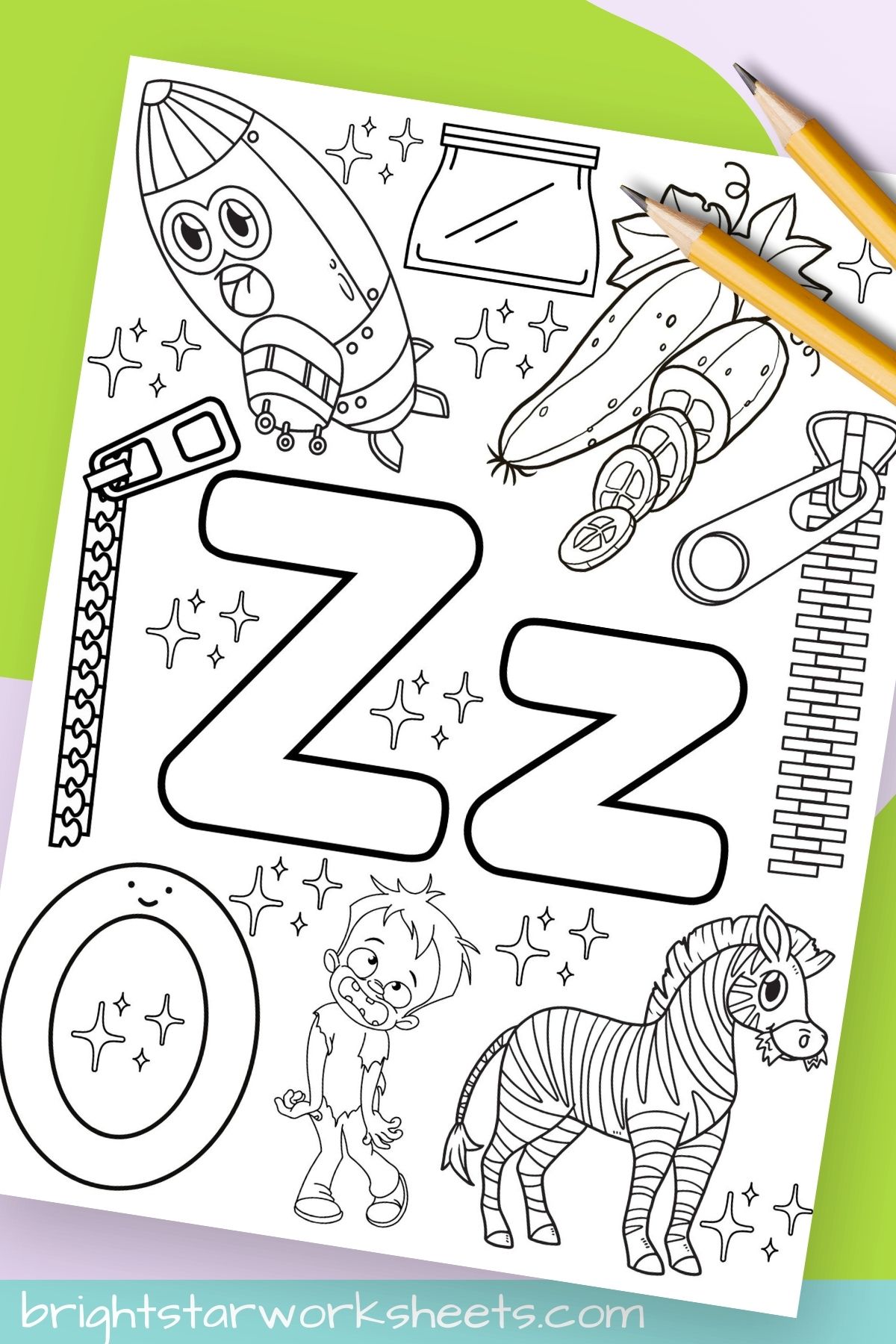
Each Alphabet Coloring Page features a large, bold letter of the alphabet and a variety of images that start with that letter. For example, the ‘A’ page includes an apple, ant, and airplane, while the ‘B’ page features a butterfly, balloon, and ball. The pages are designed to be simple yet engaging, with plenty of space for coloring.
How to Use
- Print the Alphabet Coloring Pages on standard letter-sized paper.
- Provide your child with crayons, markers, or colored pencils.
- Encourage your child to color the letter and the images that start with that letter.
- For added fun, ask your child to identify other words that begin with the same letter.
Educational Uses/Tips
- Letter Recognition: Have your child trace the letter with their finger before coloring to reinforce its shape.
- Sound Association: As your child colors each image, say the word out loud and emphasize the starting letter sound.
- Storytelling: Encourage your child to create a short story using the images on the page. This helps develop creativity and narrative skills.
- Alphabet Hunt: After coloring, go on an alphabet hunt around the house to find other items that start with the same letter.
- Repetition: Regularly review the colored pages to reinforce learning and letter retention.
Printing Tips
There are 26 pages that come on the PDF file. If you only want to print a select number of pages you can save paper and ink by following these directions:
Printer Settings: Follow these steps to print specific pages from a multi-page PDF:
- Open the PDF file on your computer.
- Note the page numbers of the worksheets you want to print.
- Open the print dialog box.
- Enter the page numbers in the ‘Pages’ section.
- Set the printer to high-quality or best print mode for the best results.

Grab the Printable
To grab the free printable, put your name and email in the blue box below. We’ll send it straight to your inbox. This is for personal or classroom use only, not for commercial use. Thank you!